01Import your performance
Drop in the video you already recorded.
Video + score, perfectly synced
ScoreShort synchronizes your performance and sheet music, then exports a polished vertical video ready for TikTok, Reels and YouTube Shorts.
Completely free. No account. Unlimited exports.
Drop in the video you already recorded.
Let AI magically align your score with your audio.
High-resolution video, up to 120 fps, ready to publish.
From scroll to replay
The performance catches the eye. The score gives people a reason to pause, follow, save and come back. That’s the kind of interest the algorithm rewards, a signal that your video is worth showing to more people.
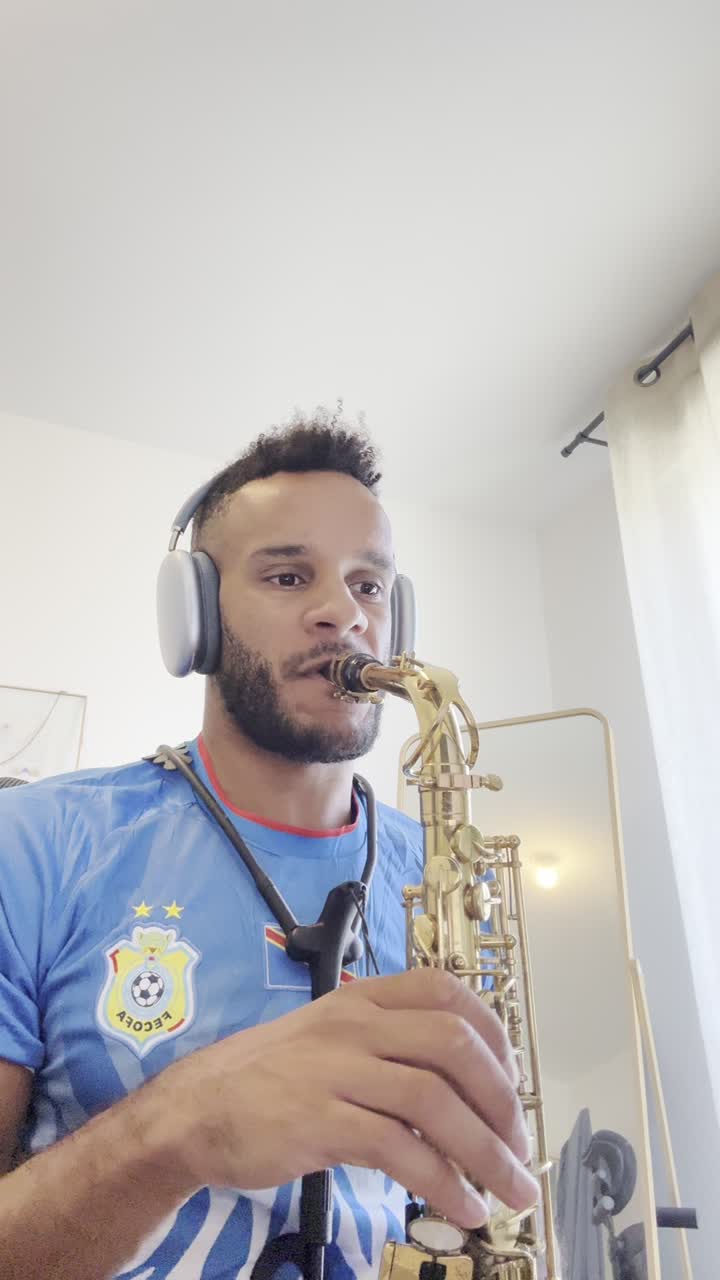
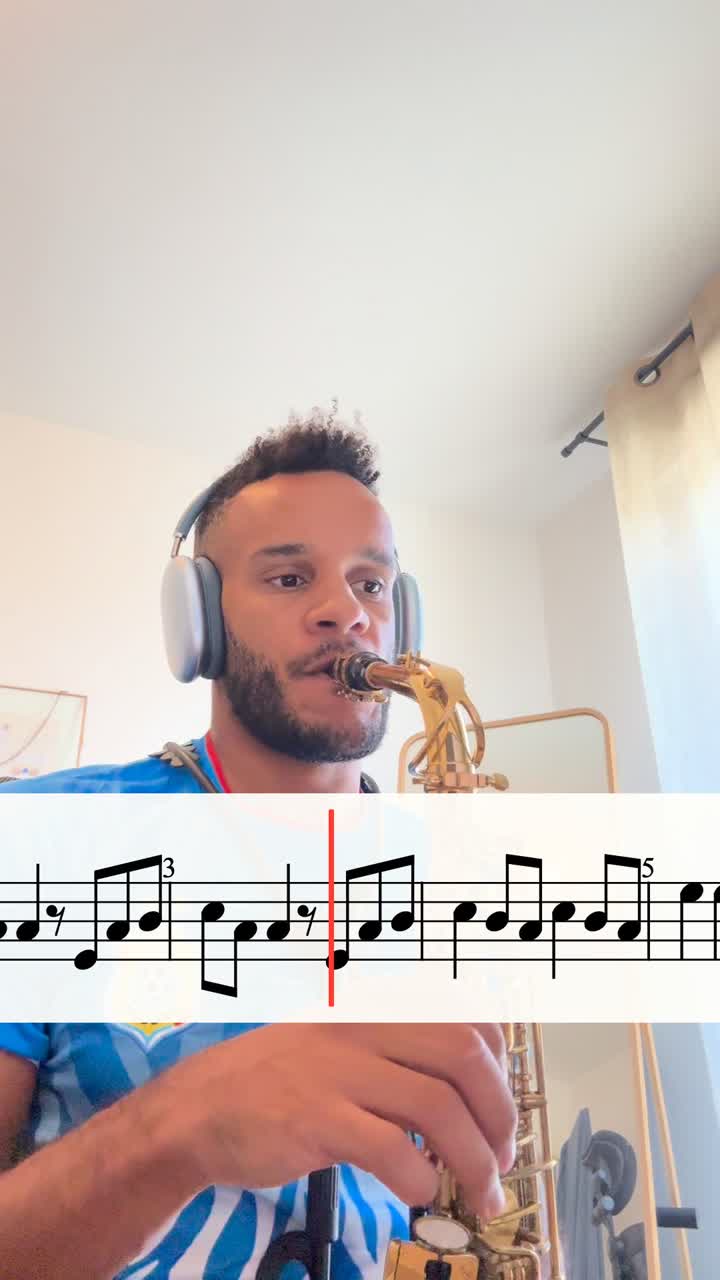
Ready for every feed
Every export fits the platform and keeps your score clear and visible for your audience.
The final cut
One export, ready for the feeds where music discovery happens. The score renders at up to 120 fps for an incredibly smooth result.
Frequently asked
Download the ZIP directly from this site, unzip it, then move ScoreShort to your Applications folder. Requires an Apple Silicon Mac (M1 or newer) running macOS 12 or later. No account or launcher is needed.
Yes. Choose “Open the web app” to start creating in your browser. Both versions are completely free, with no login and unlimited exports.
ScoreShort accepts MusicXML and compressed MXL files.
No. The score can be adjusted independently while the original video audio stays intact.
You can preview and frame exports for TikTok, Instagram Reels, YouTube Shorts and more.

ScoreShort for Mac & web
Completely free on Mac and in your browser. No account or payment required.
Mac v1.9.5 · Apple Silicon · macOS 12+


